USD
USD
How to set backlash compensation?
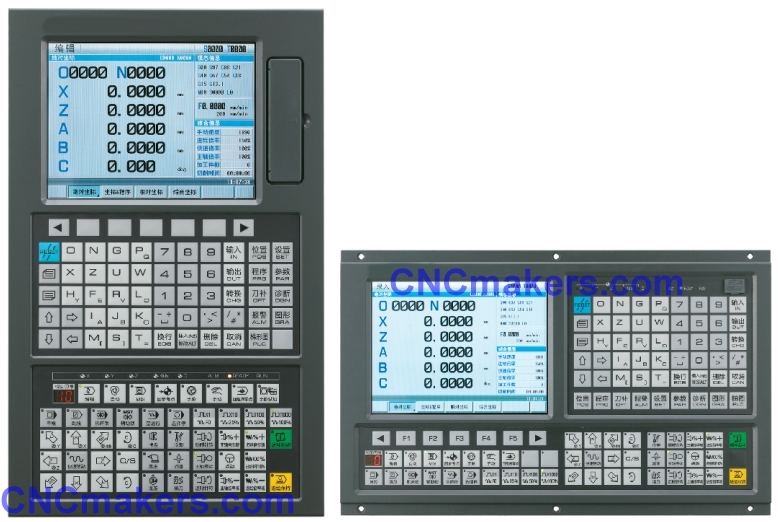
The GSK 980TDC CNC lathe allows for step-by-step backlash compensation in the Z-axis direction.
Video on Youtue
Accessing the Parameter Interface:** Press the [SET] key, press [L] to enable the parameter switch, then press [PARAM], [DATA], and [PARAM] again. Locate Parameter No. 34 and switch to the Z-axis setting; this is the designated location for Z-axis backlash configuration.
**Clearing Original Data:** Switch to MDI mode, enter "0", and confirm to clear the original backlash data for the Z-axis.
Measuring Backlash:** Press the [EDIT] key to create a new, empty program, then write a specific program for backlash detection. Switch to AUTO mode, use the manual pulse generator (MPG) to zero out the dial indicator, and execute the program in single-block mode. Based on the indicator's reading, determine the Z-axis backlash—for instance, 25 microns (corresponding to a parameter value of 250).
Setting Compensation Parameters:** Switch back to Parameter mode and enter the value "250" to apply the compensation. Reset and re-execute the program; if the input and output values match, the compensation is complete; if they do not match, the procedure must be repeated.
X-axis Compensation Notes:** The procedure for X-axis backlash compensation is identical to that of the Z-axis; the only difference is that when writing the detection program, the commands "U-1" and "U1" must be used.