USD
USD
How to remove alarms after replace a new driver?
Video on Youtube
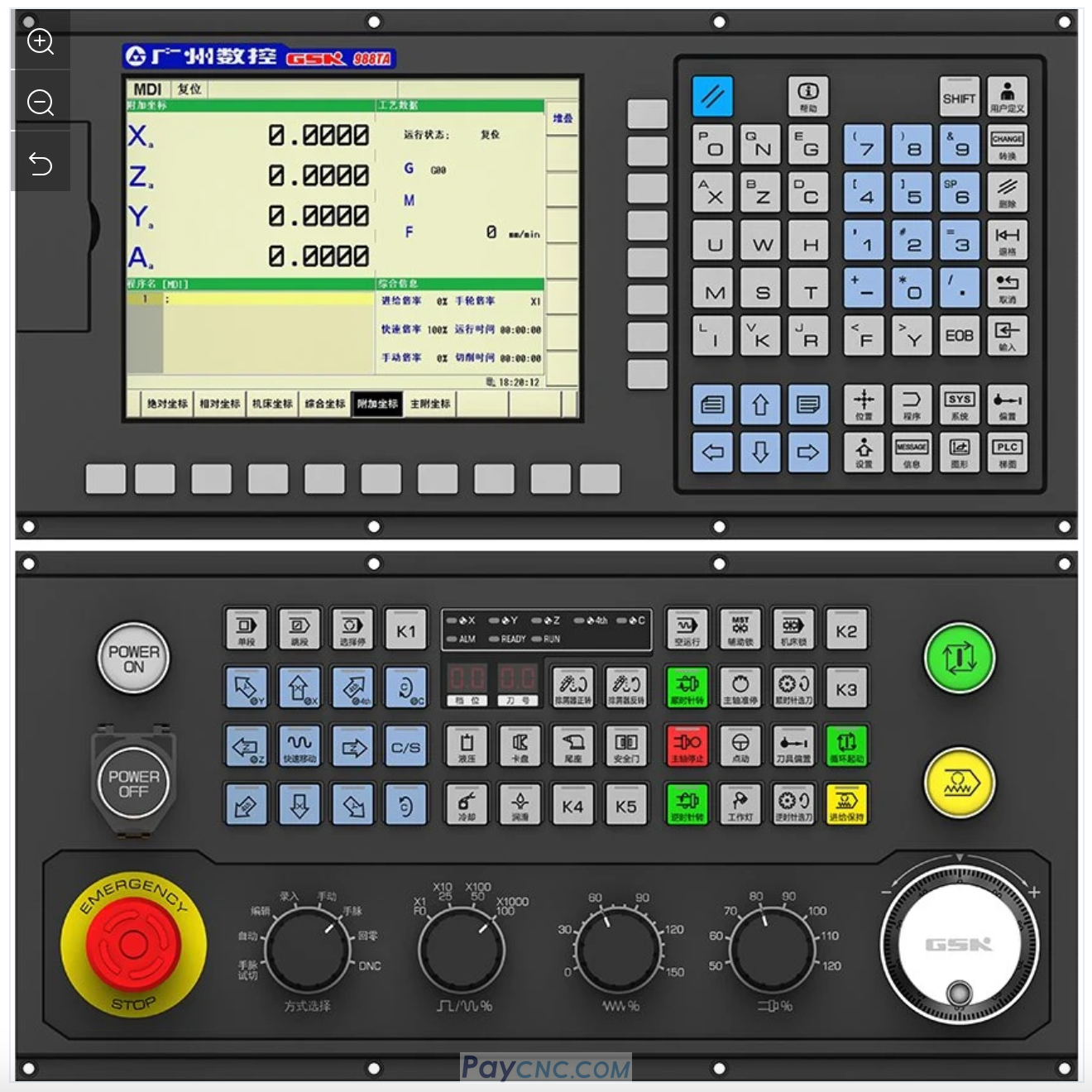
After replacing the GSK GS2000 driver, incorrect parameter settings were the primary cause of the alarms on GSK988TA1 CNC Controller
Conflict Troubleshooting: The new driver's communication address was duplicated with the existing device, causing a loop error. Parameter PA156 needed to be adjusted to change the communication address. After saving and restarting, the error was cleared.
Reference Point Setting: When modifying parameter 1815, the parameter switch needed to be turned on first. The manufacturer's password, "xxxxxx," needed to be entered before the X-axis APZ parameter could be changed to 1. After restarting, the remaining alarms were cleared.
Follow-up Adjustments: Because this driver was a spare part, the electronic gear ratio also needed to be reset. The alarm clearing process after driver replacement has now been completed.
Initial operation: A faulty GSK 2000 driver was found during replacement. After replacing the driver, a loop error (00:00) was reported.
Communication settings were checked and two station 3s were found, while X-axis station 1 was missing, indicating an address conflict (00:06).
Communication address parameters were adjusted. The X-axis communication address was set to 1 using parameter PA156. After saving and powering on (00:24), the reference point settings were addressed. The parameter switch was opened, and the manufacturer's password (six 2s) was entered. APC was changed to 1 and written to APZ (01:07).
After restarting, the status was verified. No alarms were detected after restarting the machine. Further adjustment of the electronic gear ratio is required (02:08).
Paycnc offers different kinds of GSK AC Servo Drivers
If you could not find the exact model, you can send item photos and its nameplate to paycnc@paycnc.com or WhatsApp us to get quotation.
#GSK988TA1 #GS2000
After replacing the GSK GS2000 driver, incorrect parameter settings were the primary cause of the alarms on GSK988TA1 CNC Controller
Conflict Troubleshooting: The new driver's communication address was duplicated with the existing device, causing a loop error. Parameter PA156 needed to be adjusted to change the communication address. After saving and restarting, the error was cleared.
Reference Point Setting: When modifying parameter 1815, the parameter switch needed to be turned on first. The manufacturer's password, "xxxxxx," needed to be entered before the X-axis APZ parameter could be changed to 1. After restarting, the remaining alarms were cleared.
Follow-up Adjustments: Because this driver was a spare part, the electronic gear ratio also needed to be reset. The alarm clearing process after driver replacement has now been completed.
Initial operation: A faulty GSK 2000 driver was found during replacement. After replacing the driver, a loop error (00:00) was reported.
Communication settings were checked and two station 3s were found, while X-axis station 1 was missing, indicating an address conflict (00:06).
Communication address parameters were adjusted. The X-axis communication address was set to 1 using parameter PA156. After saving and powering on (00:24), the reference point settings were addressed. The parameter switch was opened, and the manufacturer's password (six 2s) was entered. APC was changed to 1 and written to APZ (01:07).
After restarting, the status was verified. No alarms were detected after restarting the machine. Further adjustment of the electronic gear ratio is required (02:08).
Paycnc offers different kinds of GSK AC Servo Drivers
If you could not find the exact model, you can send item photos and its nameplate to paycnc@paycnc.com or WhatsApp us to get quotation.
#GSK988TA1 #GS2000