USD
USD
How to edit parameters on KND CNC control?
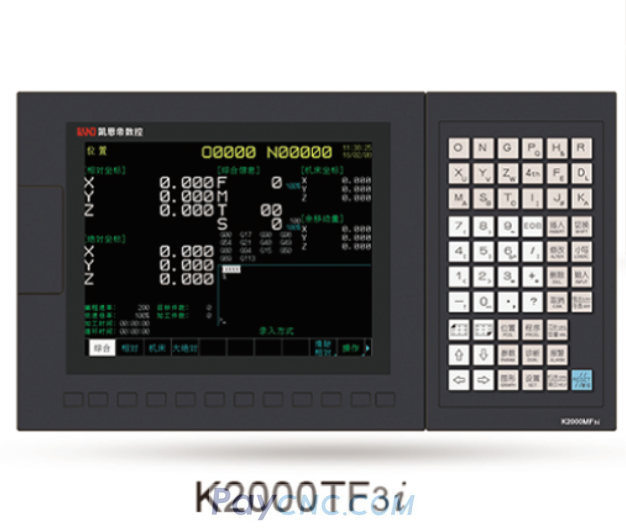
Steps for Modifying KND CNC System Parameters
Video on Youtube
Switch to MDI (Manual Data Input) mode: First, switch the KND CNC system to MDI mode.
Enable the parameter switch: Press the "Setting" key, use the page keys to move the cursor, and turn on the parameter switch.
Enter the parameter modification screen: Press the "Parameter" key to access the parameter modification interface.
Complete the modification: Enter the desired parameter value and press the "Input" key to finalize the change.
In this demonstration, the parameter value is changed to 1.